Integrater
Built for QuickBooks Online

Offset up to 100% of your card processing fees.

Surcharging is how businesses stop eating 2.9% on every card. Integrater is how you do it without breaking the rules — or your books. Compliant surcharging and clean QuickBooks reconciliation, in one place.

  • Pass on card costs within Visa rules and your state's law
  • Zero month-end journal entries — QuickBooks ties out on its own
  • Keep the processor and rates you already have

Live today. Instant signup, no contracts, no processor switch. $9/mo + 10¢ per transaction after your trial.

Invoice #1042

Founder Dashboard LLC

Paid
Invoice amount
Subtotal
$1,250.00
Card surcharge3.00%
$37.50
Customer charged
$1,287.50

Posted to QuickBooks

Undeposited funds
debit$1,287.50
Sales income
credit$1,250.00
Surcharge income
credit$37.50
Merchant fee expense
debit$37.50
Bank reconciliationBalanced · $0.00 variance

The problem

Surcharging saves you 2.9%. Then it costs you your close.

The math is obvious — stop absorbing processing fees and you keep the margin. But almost every processor implements surcharging in a way that puts you out of compliance and leaves QuickBooks permanently out of balance. So you trade a fee problem for an accounting problem.

  • Their surcharge isn't compliant

    A flat percentage on every card, debit included, with no disclosure and no regard for the state your customer is in. That's the version most processors hand you — and the liability is yours, not theirs.

  • QuickBooks lands out of balance

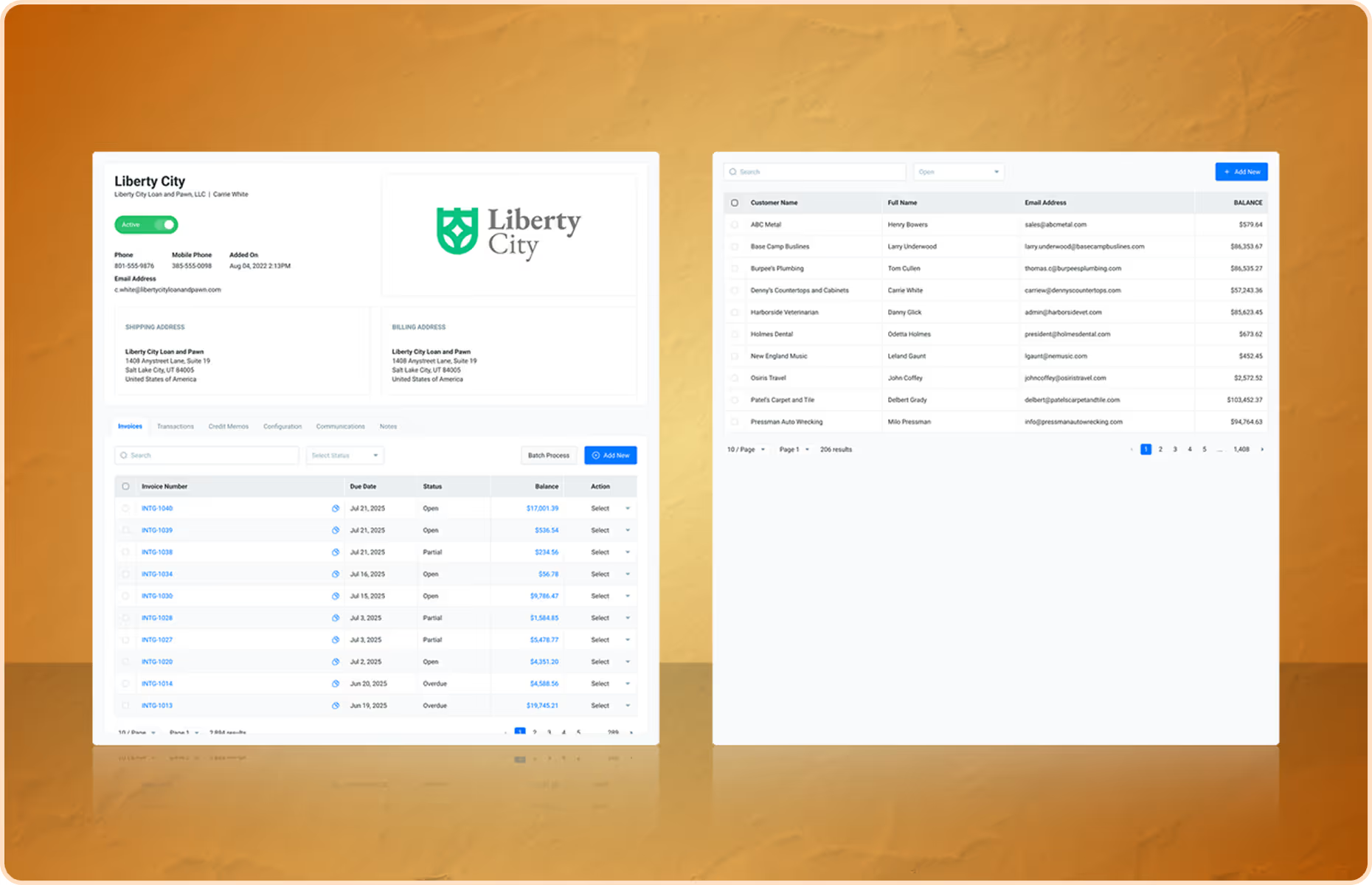
    The deposit hits your bank net of fees, but the invoice was written gross. Nothing matches. The surcharge gets netted against revenue, quietly overstating discounts and understating income.

  • Someone rebuilds the month by hand

    Every close turns into exporting settlement reports, backing into the fee, and keying journal entries until the variance is gone. Hours a month of work that produces nothing but a balanced ledger.

  • Refunds turn into forensics

    Refund a surcharged payment and the offsets don't reverse cleanly. Now you're unwinding two entries by hand and hoping the sales tax basis still holds up if anyone asks.

Integrater does both halves. The surcharge follows Visa rules and local law, and the accounting posts itself — correctly, the first time.

See how

How it works

Set it up this afternoon. Stop reconciling forever.

Four steps, and the last one is the one that gives you your month-end back. No implementation project, no new processor relationship, nothing to migrate.

  1. Connect QuickBooks and your gateway

    Authorize QuickBooks Online, then point Integrater at NMI, Authorize.net, Maverick, Stripe, or whichever processor you already use. Nothing to migrate.

  2. Set your surcharge rules

    Choose your rate and Integrater enforces the ceiling Visa allows, exempts debit where required, and switches off automatically in states and localities that prohibit it.

  3. Collect the payment

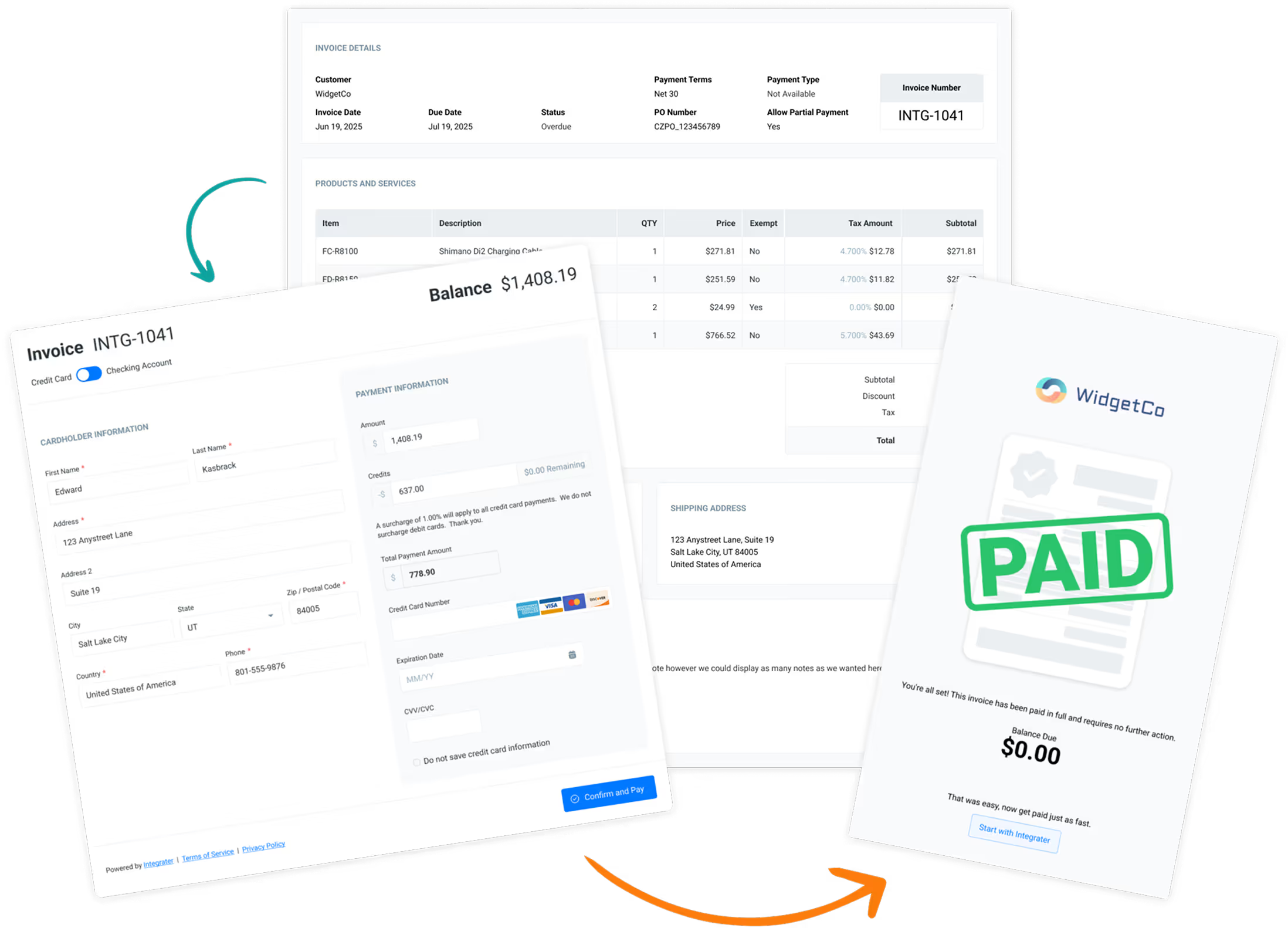
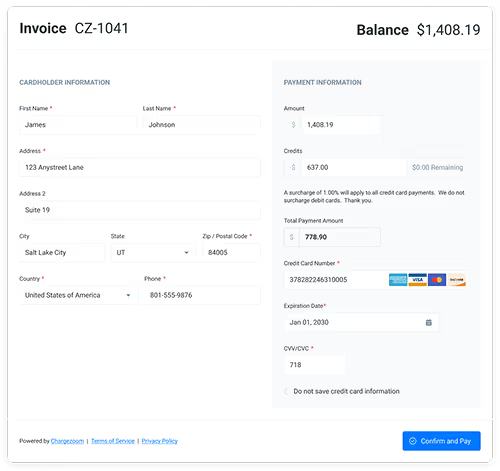
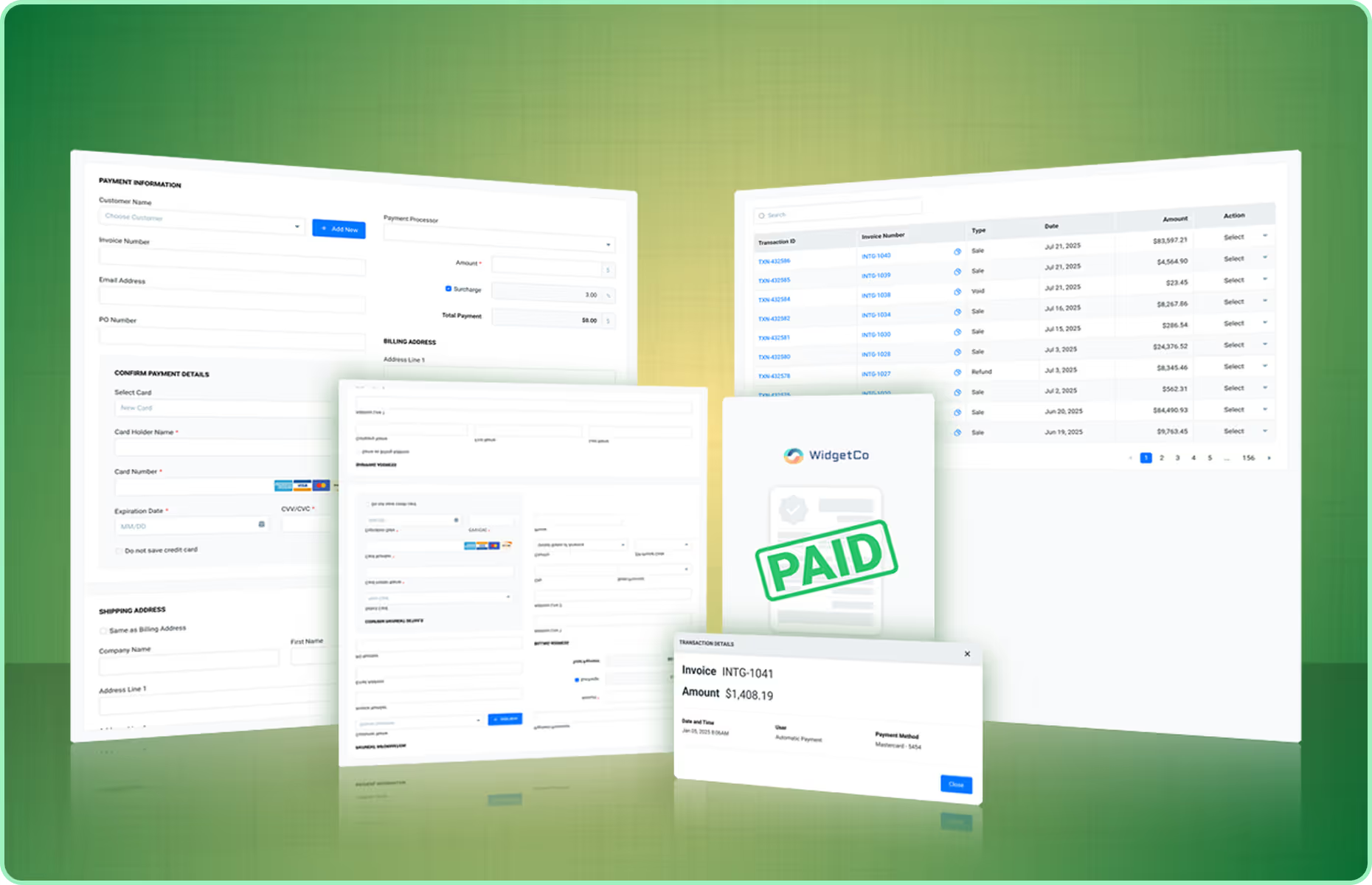
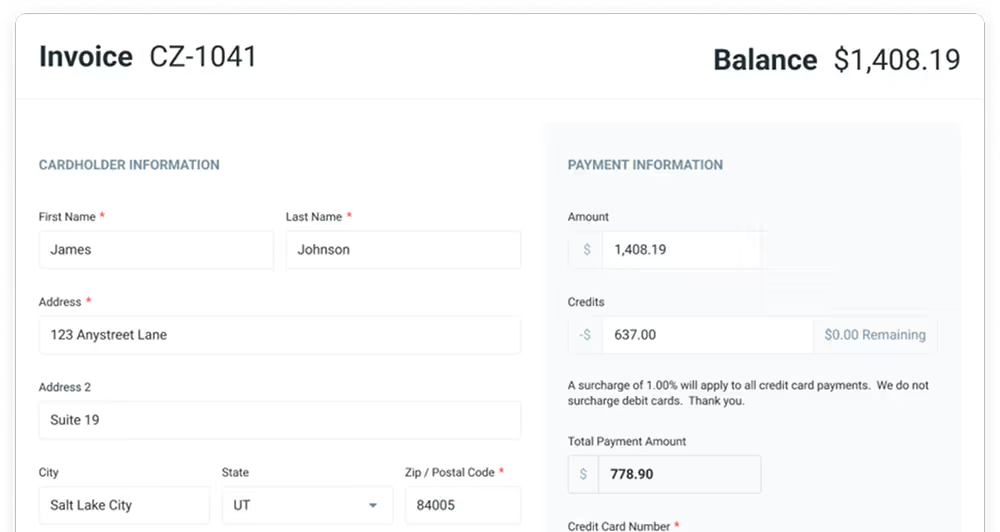
    Charge a card directly in the Integrater portal, or email the invoice with a branded payment link that shows the surcharge disclosure before your customer commits.

  4. Skip the journal entries entirely

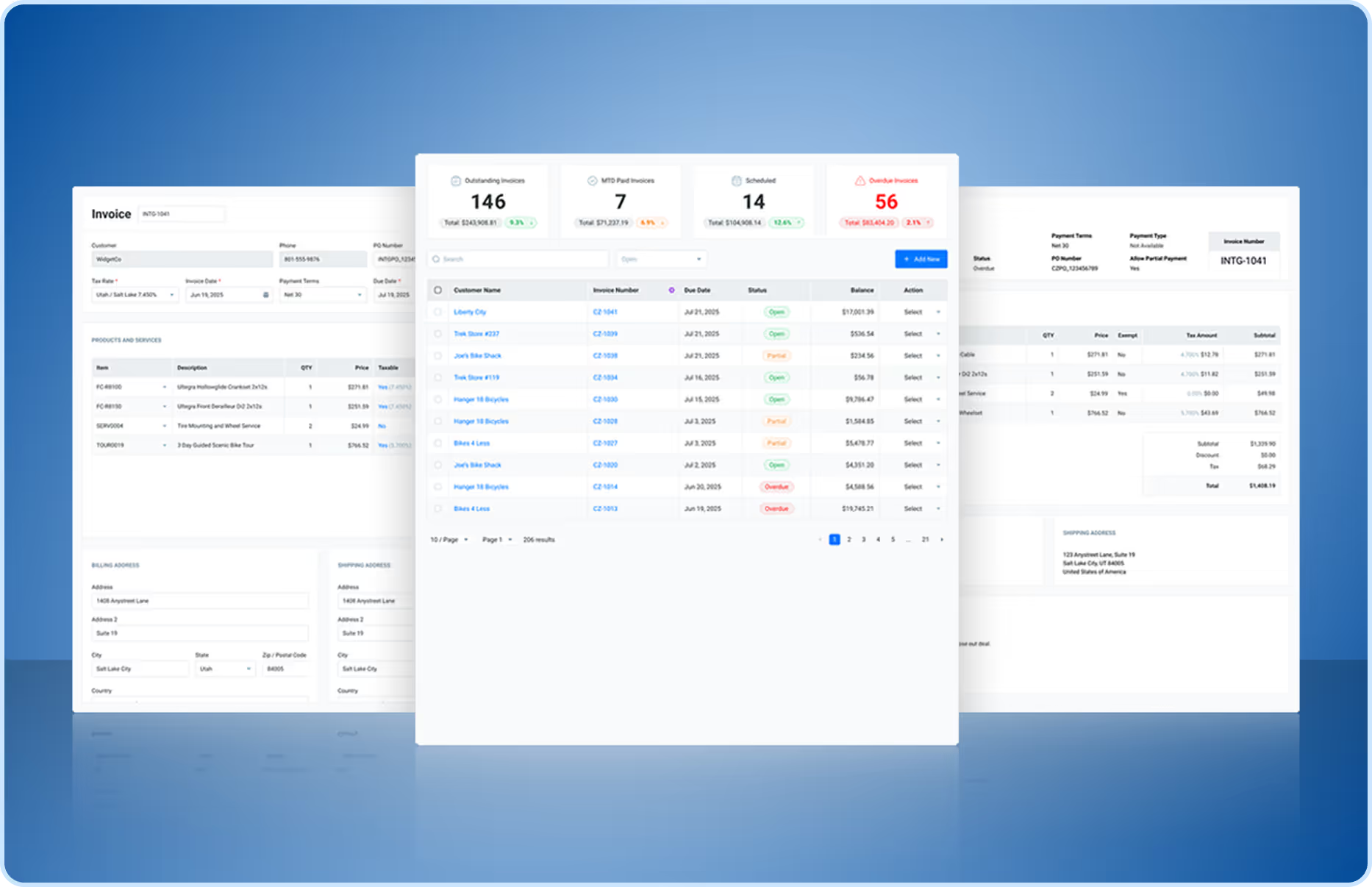
    Integrater posts the payment, the surcharge income, and the processing fee to QuickBooks as it happens. The deposit matches your bank feed to the penny, so there is nothing left to reconcile by hand.

Gateways

Keep your processor. Keep your rates.

Most surcharge programs require moving to the vendor's processor at the vendor's rates. Integrater sits between QuickBooks and the processor you already negotiated with, so nothing about your pricing changes.

Don't see your gateway? Talk to us
  • NMI

    Full surcharge support

  • Authorize.net

    Full surcharge support

  • Maverick Payments

    Full surcharge support

  • Stripe

    Full surcharge support

  • Fluid Pay

    Full surcharge support

  • TSYS

    Via NMI

  • First Data / Fiserv

    Via NMI

  • Your processor

    Ask us — we add gateways

Compliance

Everything your processor left for you to figure out

Compliance and accounting are the two places surcharging goes wrong, and they are the two places you carry the risk. Here is exactly how Integrater handles each one.

Visa guidelines, enforced in software

  • Surcharge capped at the brand ceiling, never above your cost of acceptance
  • Debit and prepaid cards exempted automatically at checkout
  • Required disclosure shown before the customer authorizes payment
  • Surcharge itemized as a separate line on the receipt

State and local law, kept current

  • Rules mapped to the customer's jurisdiction, not just your own
  • Prohibited states switch to zero surcharge without you touching a setting
  • Rate ceilings applied where a locality caps below the brand limit
  • We track legislative changes so your configuration stays legal

No month-end journal entries

  • GAAP treatment applied automatically as each payment posts
  • Surcharge recorded as income, never netted against revenue
  • Processing fees booked as expense in the correct period
  • Gross receipts preserved, so your sales tax basis holds up

Refunds and disputes stay clean

  • Refunds reverse the surcharge and the fee together, not just the sale
  • Chargebacks post with matching offsets and a linked audit trail
  • Deposits tie to your processor's settlement batch, penny for penny
  • Zero-variance close — no suspense account to clean up later

Pricing

$9 a month to stop absorbing card fees

Integrater is software, so we charge like software — one flat price, never a percentage of your revenue. The fees you offset are yours to keep.

Integrater for QuickBooks

$9/ month

plus 10¢ per transaction

14-day free trial
Start free — instant signup

No card required to start. Cancel anytime.

  • Unlimited branded payment links
  • In-portal card and ACH payments
  • Visa-compliant surcharge engine
  • State and local rule coverage
  • GAAP journal entries to QuickBooks
  • Automatic fee reconciliation
  • Refund and chargeback handling
  • Every supported gateway
  • Email support

What you stop paying

Compare your card fees to what Integrater costs

$67,500 processed per month

Card fees today @ 2.9%
$1,957.50
Offset by surcharging
$1,957.50
Integrater ($9 + 150 × 10¢)
$24.00
Kept in your pocket
$1,933.50

Illustrative only, using a typical 2.9% processing rate and the 3% surcharge ceiling Visa permits. Surcharge is always capped at your actual cost of acceptance, and your processor's rates are paid directly to your gateway.

FAQ

Questions accountants ask first

Still unsure whether surcharging fits your business? Send us your setup and we will tell you straight.

Is credit card surcharging actually legal?

Yes, in most of the United States, provided you follow the card brand rules and your state's law. The requirements are specific: cap the surcharge at your cost of acceptance and never above the brand ceiling, exempt debit and prepaid cards, disclose the fee before the customer authorizes payment, and itemize it on the receipt. Integrater enforces all of that automatically, and turns surcharging off where a jurisdiction prohibits it.

What does GAAP compliant reconciliation mean in practice?

In practice it means nobody on your team touches a journal entry at month-end. The surcharge is recorded as income rather than netted against revenue, and the processing fee is booked as an expense in the correct period — automatically, as each payment posts. Your gross receipts stay intact for sales tax purposes, the deposit in QuickBooks matches the settlement from your processor, and your bank reconciliation closes with zero variance and no suspense-account cleanup.

How is this different from what my processor already offers?

Most processors will happily switch on a flat surcharge and stop there. That version usually applies the fee to debit cards, skips the required disclosure, ignores the rules in your customer's state, and sends a single net deposit to your bank that will never match a gross invoice in QuickBooks. Integrater handles the compliance logic and the accounting treatment together, because getting one right and the other wrong still leaves you with a problem.

Do I have to switch payment processors?

No. Integrater is gateway-agnostic and connects to NMI, Authorize.net, Maverick Payments, Stripe, Fluid Pay, and more. You keep the processor and the rates you already negotiated. If your gateway is not on the list, tell us and we will look at adding it.

How do customers actually pay?

Two ways. You can key a card into the Integrater portal on a customer's behalf, or email the QuickBooks invoice with a branded payment link. The link carries your logo and colors, shows the surcharge disclosure before payment, and posts back to QuickBooks the moment it clears.

Does the surcharge apply to debit cards?

Never. Card brand rules prohibit surcharging debit and prepaid cards even when they carry a Visa or Mastercard logo. Integrater identifies the card type during checkout and drops the surcharge automatically, so the customer sees the correct total without you having to intervene.

How long does setup take?

Signup is instant. You authorize QuickBooks Online, connect your gateway credentials, set your surcharge rate, and you can take a payment immediately. Most businesses are live the same day, and the 14-day free trial gives you room to run real transactions before you pay anything.

What happens with refunds and chargebacks?

This is where most surcharge setups fall apart. Refund a surcharged payment elsewhere and you are left unwinding the sale, the surcharge, and the fee by hand — often across two periods. Integrater reverses all three together as a single linked entry, so your books never drift and your sales tax basis stays defensible. Chargebacks post with matching offsets and stay linked to the original transaction, giving you a clean audit trail if you need to represent the dispute.

Can I use Integrater if I only surcharge some customers?

Yes. Surcharging can be enabled per customer or per invoice, which is common for businesses that surcharge commercial accounts but absorb fees for retail or contract customers. The accounting stays correct either way.

Keep the 2.9%. Keep your weekends.

Connect QuickBooks, keep your gateway, and let Integrater handle both the compliance and the accounting. Instant signup, 14-day free trial, live the same day.

$9/mo + 10¢ per transaction after your trial. No contracts, cancel anytime.